Microsoft Office 2007
Microsoft Office 2007 Free Download for PC Windows 7/10/8, 32/64-bit introducing the new versions of Word, Excel, and PowerPoint

Safe & Secure
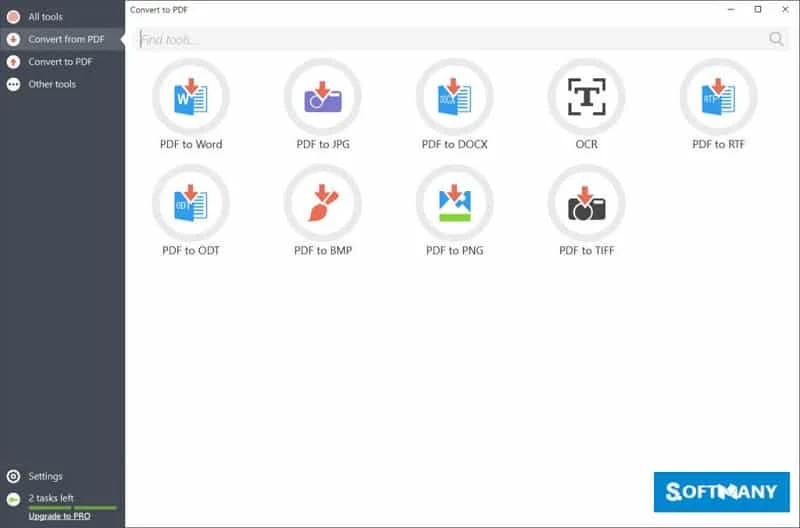
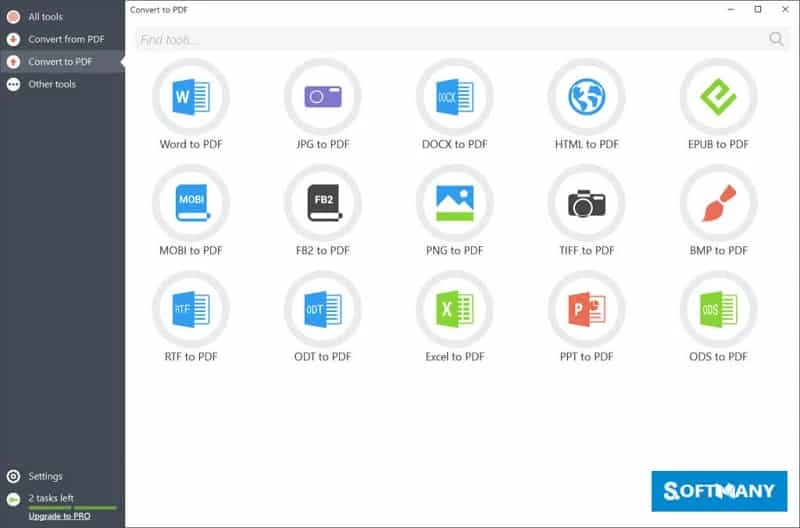
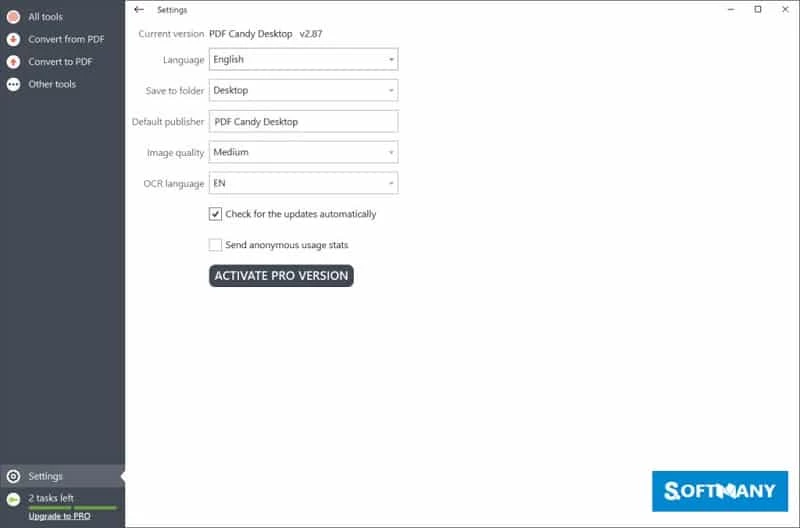
PDF Candy Desktop is an all-in-one solution for Windows users to process PDFs, such as editing, converting, merging, splitting, extracting, and so on. You can edit the metadata of PDFs and unlock them as well. The latest version with modern UI offers a plethora of new features and improvements to enhance the user experience.
The program supports a drag-and-drop facility to quickly import PDFs and process them in the way you like. It is available for free; however, you can access to premium version for professional use. The multi-tasking tool supports multiple file formats to make your conversion process simple and fast.
PDF Candy is a comprehensive PDF processing tool developed by Icecream Apps and falls in the Office Suite & Tools category, as part of Business. It is a versatile and flexible tool with support for multiple languages and file formats, and it proves to be one of the best choices for casual and professional use.
PDF Candy Desktop offers an all-in-one solution to handle PDFs while offering up to 49 tools, and allows users to perform tasks such as PDF editing, PDF converting to other formats, merging, splitting, extracting text or images from PDF, and unlocking the PDFs.
The user-friendly interface is clean and modern, and offers simple processing for beginners and advanced users. You will find a bold “Action” button for importing files from your desktop. The workflow is quite similar to other such programs, but within largely workspace. You will find 6 tools, such as a converter, compressor, editor, merger, splitter, and remover. In addition, you will also find multiple other innovative capabilities within the bold and streamlined icons.
The app offers a straightforward installation process without any requirement for additional software or account registration. Simply navigate to the main screen and select the tool while using the search option at the top of the screen. Import file from your device while using the drag-&-drop option, and click the “Start” button to process your file in the way you like. However, the lack of categorization and not available in non-alphabetical, so you have to face some complications.
The software offers a large panel on the right for making changes and enabling various settings. Converting PDF to multiple formats is one of the main features that allows you to convert PDFs to BMP, HTML, GIF, WMF, EPS, PNG, DOC, TIFF, ODT, and so on. It is also possible to convert documents, images, HTML, or EPUB into PDF. After conversion, you are capable of changing the file, title, adding a password, and modifying the layout settings.
The editing process is also a part of this innovative program, as it offers quick changing of text, images, and everything related to your PDFs, regardless of the documents are taken from your devices or creating new PDFs from scratch. You can manage your text conveniently while using different font sizes, colors, and alignments. The replacement as well as deletion of entire paragraphs, and correction of typos are also possible.
PDF Candy offers a convenient and simple process of converting PDF to MS Excel, as it can easily read rows and columns, and convert them into an Excel sheet without scrambling the structure. It saves you from retyping anything; instead, pull data from invoices, financials, or reports.
You can easily convert your PDF file into MS Word using the clean interface. Simply upload your PDF, and the program will quickly convert it into Word DOCX while keeping the formatting close to the original. It is the best solution for converting contracts, notes, reports, and so on.
The program offers multiple innovative tools for file management, such as;
Pros
Cons

Microsoft Office 2007 Free Download for PC Windows 7/10/8, 32/64-bit introducing the new versions of Word, Excel, and PowerPoint

iLovePDF, the quick way of reading, editing, and converting PDF files

Microsoft Office 2010 has multiple editing and visualization features

Microsoft Excel has enhanced and powerful data-analyzing capabilities

Microsoft Office 2019 is a comprehensive suite of productivity apps

Microsoft Word is a powerful text tool for document creation, editing, and sharing